The dual monitor arm that clears the desk and adds USB ports
Is this the right fit?
- Best for
- anyone whose desk disappeared under two monitor feet
- Skip if
- Heavy monitors near the top of the size range need the gas spring tension retuned, which is fiddly the first time
- Check before ordering
- Confirm the dimensions, exact model, included parts and return terms on the Amazon listing before ordering.
Listing-based buying notes. We have not tested this product hands-on. Confirm the selected size, seller and current terms on Amazon.
Compare other turbo tech — gadgets & cool tech finds →- Check Amazon for shipping eligibility
- Check the item's current return terms
- As an Amazon Associate we earn from qualifying purchases
The HUANUO dual monitor stand mounts two displays from 13 to 40 inches on a single base, and the size range is the useful part: most dual arms top out around 32 inches, which rules out the ultrawides a lot of people now run. Getting monitors off their factory stands does two things. It returns the entire footprint under the screens to usable desk space, and it lets you set height and angle independently instead of accepting whatever tilt the included stand offered, which is where most neck strain comes from. This version integrates USB ports into the stand, so the peripherals you plug and unplug are at desk level rather than behind the machine. It mounts by C-clamp or grommet and has built-in cable routing. Best fit: anyone whose desk disappeared under two monitor feet.
Pros
- Handles displays from 13 to 40 inches, including ultrawides most dual arms cannot take
- Returns the entire area under the monitors to usable desk space
- Independent height and tilt per screen, which is the fix for monitor-height neck strain
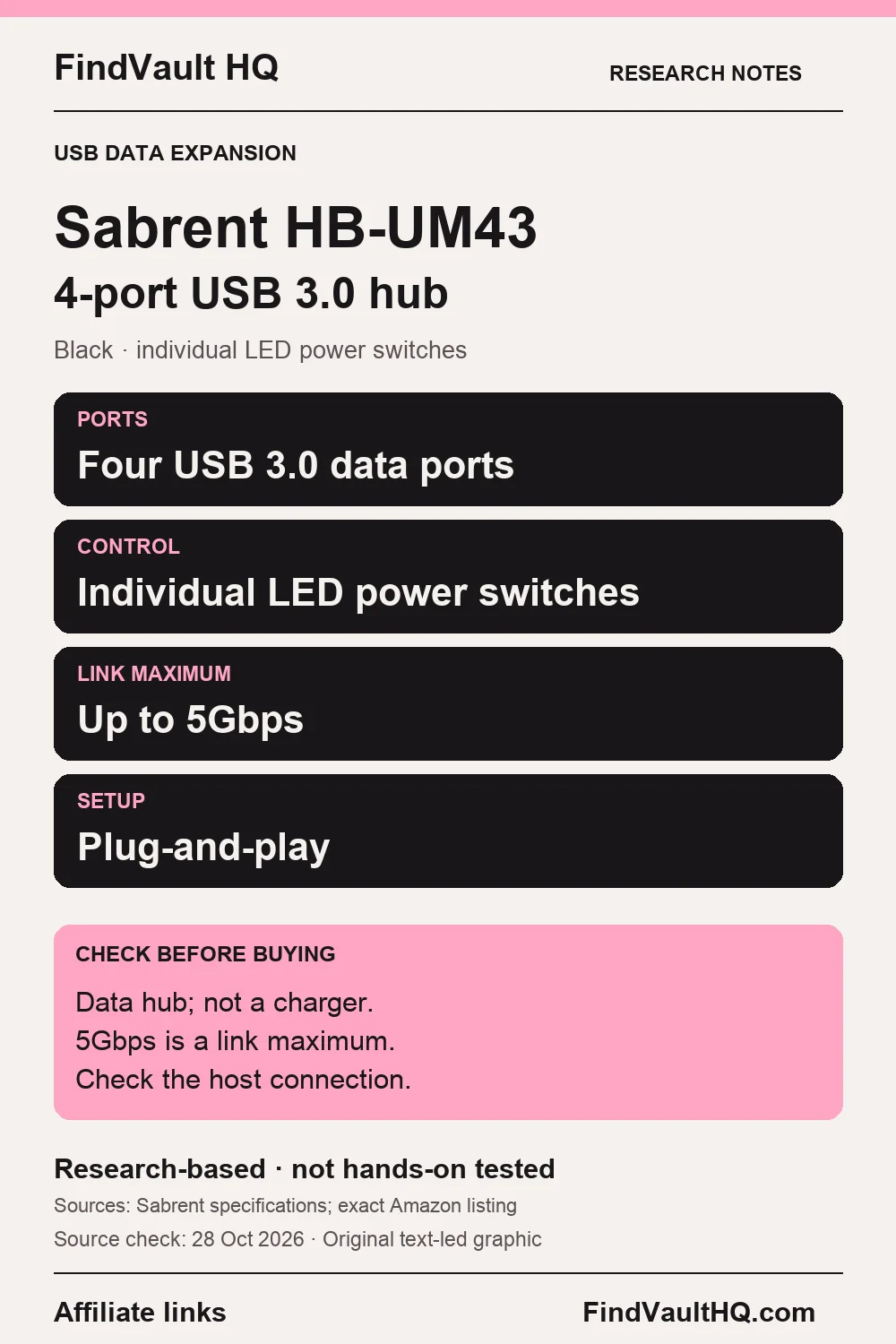
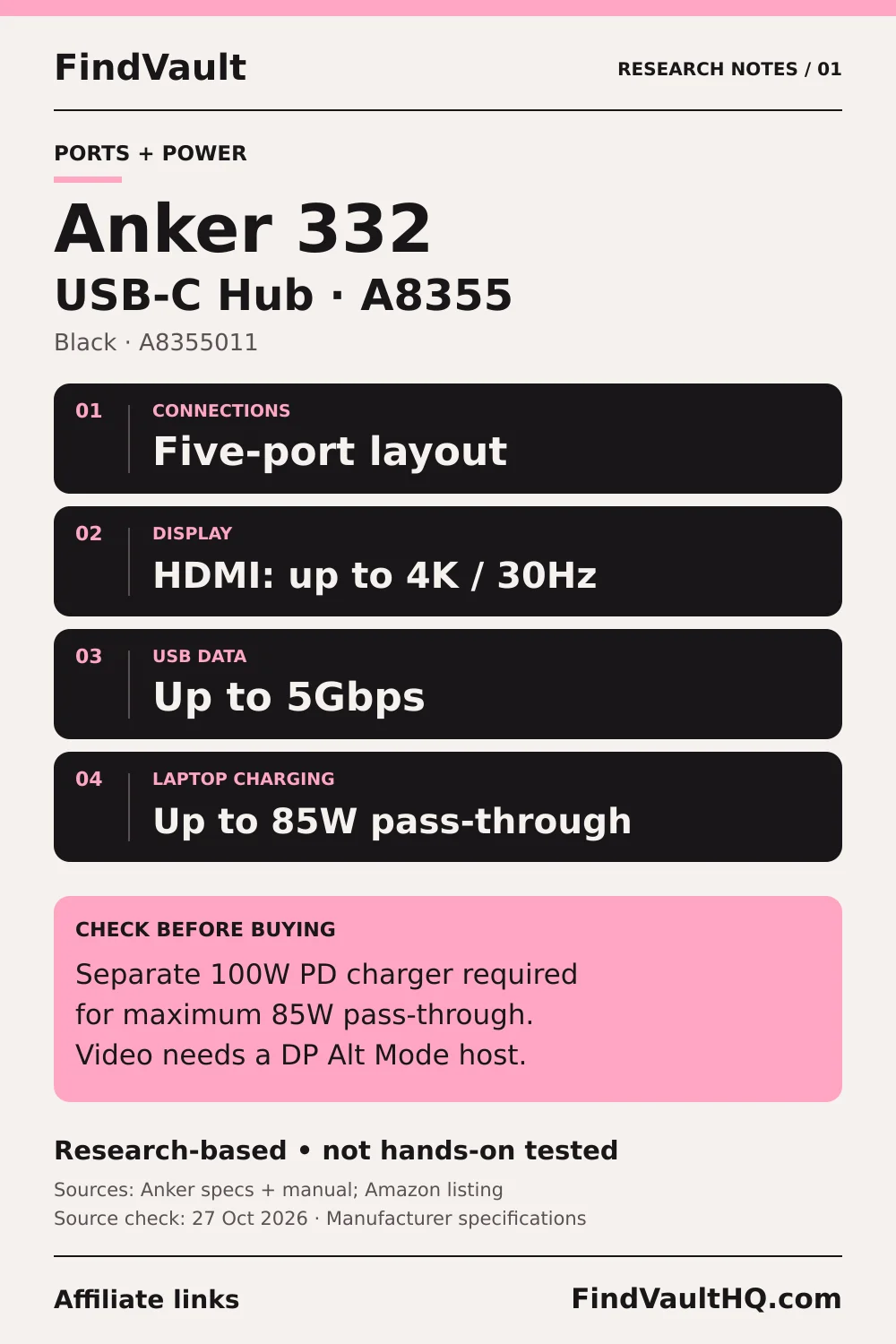
- Built-in USB ports put frequently used connections at desk level
Cons
- Heavy monitors near the top of the size range need the gas spring tension retuned, which is fiddly the first time
Frequently asked questions
Will my monitors fit?
Check two things: VESA pattern (usually 75x75 or 100x100) and weight per arm. Screen size alone is not enough, since a heavy 34-inch panel can exceed the per-arm limit.
What if my monitor has no VESA holes?
You need a VESA adapter bracket for that model. Many consumer monitors omit VESA mounting, so confirm before ordering.
Clamp or grommet mount?
The C-clamp is easier and needs a desk edge with clearance behind it. Grommet mounting goes through an existing hole in the desk and is more stable for heavy setups.
Do the USB ports need their own power?
The stand's ports pass through to your computer, so you run a cable from the stand to the machine. They are a convenience relocation rather than a powered hub.
More from this category